
@requence/task
The @requence/task package can be used to create and monitor tasks in real time. Additionally, type declarations can be generated using the provided CLI tool requence-task.
Installation
Section titled “Installation”npm install @requence/task@nextAdding an access token
Section titled “Adding an access token”The task package requires an access token to communicate with the Requence servers. For development and type generation, a personal access token is needed. For production use, an organization, group, or project access token can be used instead.
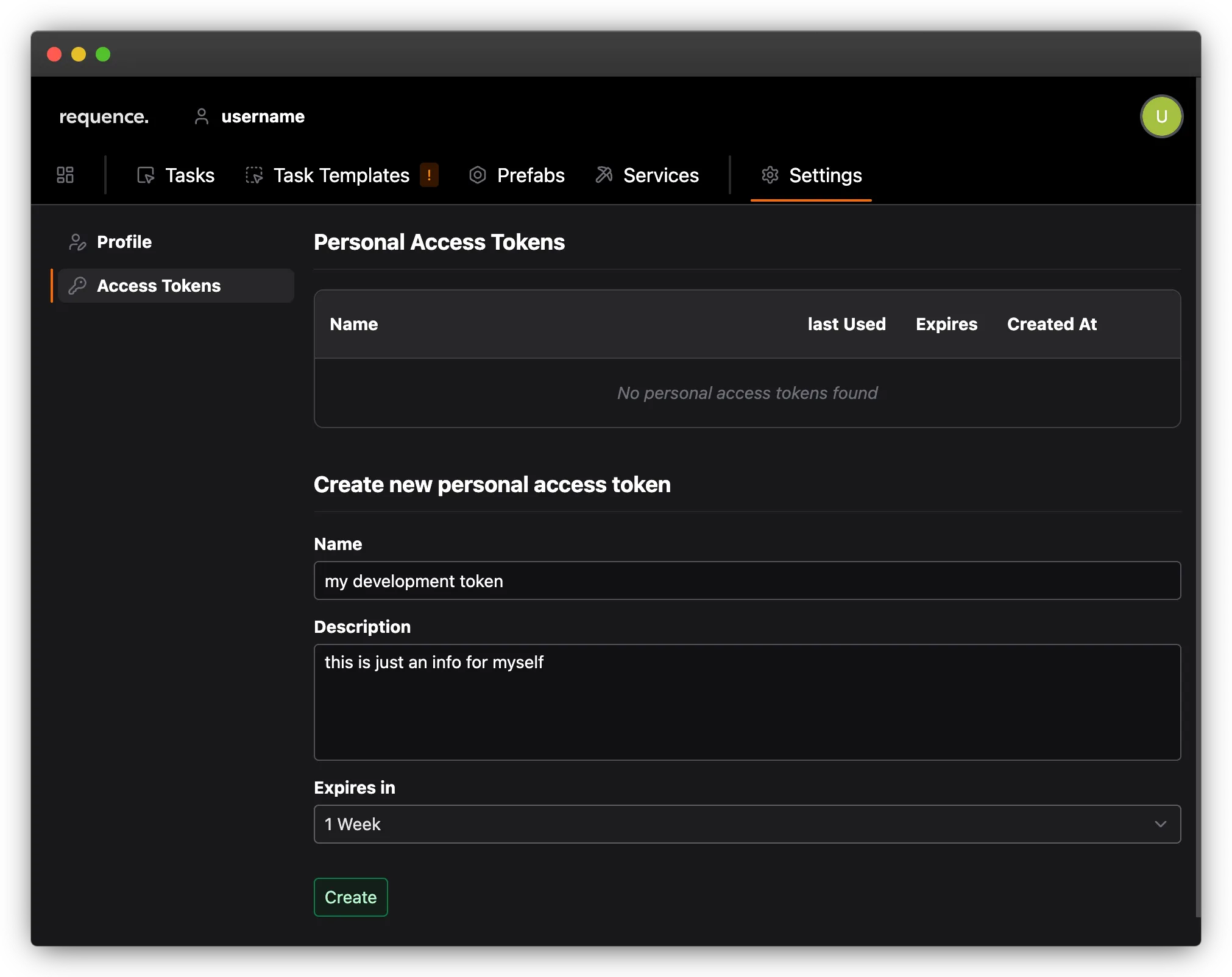
generating a personal access token
Section titled “generating a personal access token”A personal access token can be generated via the settings in your user space.
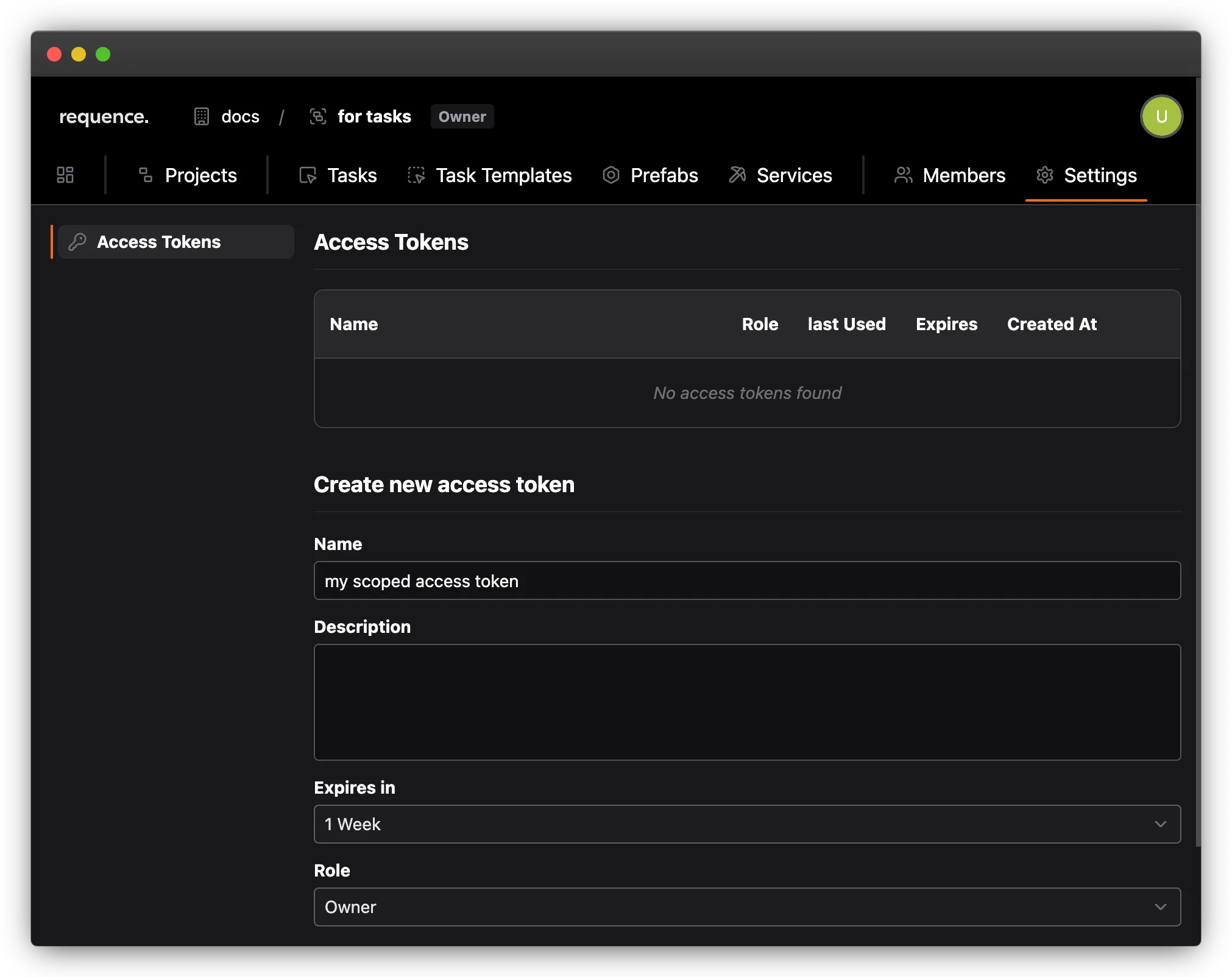
generating a scoped access token
Section titled “generating a scoped access token”A scoped access token can be generated via the settings of an organization, a group or a project
using the access token
Section titled “using the access token”As with the @requence/service package, the access token in the task package can be used in multiple ways.
as ENV variable
Section titled “as ENV variable” REQUENCE_TASK_ACCESS_TOKEN="..." # or REQUENCE_ACCESS_TOKEN="..."in package.json
Section titled “in package.json”{ "name": "...", "type": "module", "version": "...", "dependencies": { "@requence/task": "next" } "peerDependencies": { "typescript": "^5.0.0", }, "requence": { "accessToken": "..." }}in code
Section titled “in code” import { createTask } from '@requence/task'
createTask( { accessToken: '...', ... } )generating types
Section titled “generating types”Just like the @package/service package, the @package/task package comes with its own CLI tool. This tool can be used to generate the corresponding TypeScript types.
requence-task generate-types# alternative with explicite access tokenrequence-task generate-types --access-token=...This (as with @package/service) generates a requence-env.d.ts file that includes the types of all tasks that can be executed using your personal access token.
executing a task
Section titled “executing a task”A task can be created by calling the createTask function. This requires specifying a task template (either by uuid or, way more convenient, by slug).
Depending on the template, different values for input and meta are required.
  import { createTask } from '@requence/task'
createTask( { taskTemplate: 'my-task-template', input: ... meta: ... } )awaiting task results
Section titled “awaiting task results”There are several ways to obtain the result of a task. The simplest way is to await the execution of createTask.
  import { createTask } from '@requence/task'
  const result = await createTask(    {      taskTemplate: 'my-task-template',      input: ...      meta: ...    }  )
console.log(result.getData())monitoring task progress
Section titled “monitoring task progress”TBD